
WRO Learn – Our free WRO learning platform
What is WRO Learn?
WRO Learn is a free online learning platform developed by WRO, designed to make robotics education accessible to students, coaches, and teachers worldwide. WRO Learn aims to become the preferred online learning platform for the global WRO community by providing structured educational content and resources that enhance the experience of participating teams, educators, and judges. From beginners taking their first steps to experienced teams preparing for global competitions, WRO Learn provides essential resources to build knowledge, skills, and confidence.
This platform is central to our mission to bridge the gap between education and employability, empowering young people through robotics education.
Platform Highlights
- Free access for students, coaches and teachers around the globe.
- Courses tailored to all skill levels, from beginners to advanced competition preparation.
- Multilingual resources, making robotics education accessible worldwide.
- Specialized content to support teams, coaches, competition judges and our National Organizers.
- Virtual classrooms and progress tracking to manage student groups, assign relevant courses, and monitor individual progress.
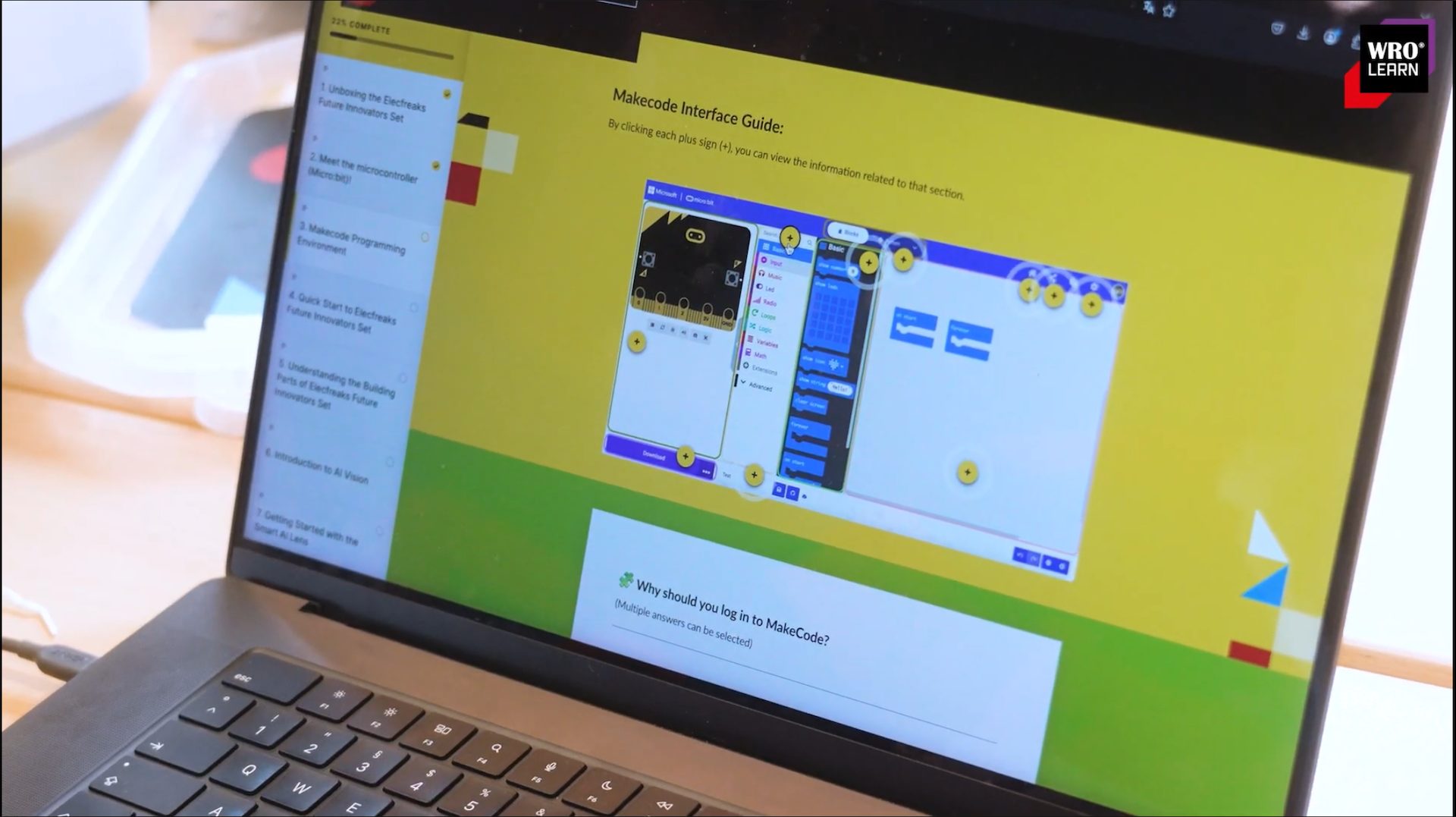
A Quick Overview
1- Getting started with a course
- On the Courses page, click a course icon to view its course description.
- For extra help, click the ( i ) icon (information icon) at the top of any page to see the onboarding guide.
- In each course description, you can see the duration and level, and you can start or resume the course. Some courses also include additional downloadable resources.
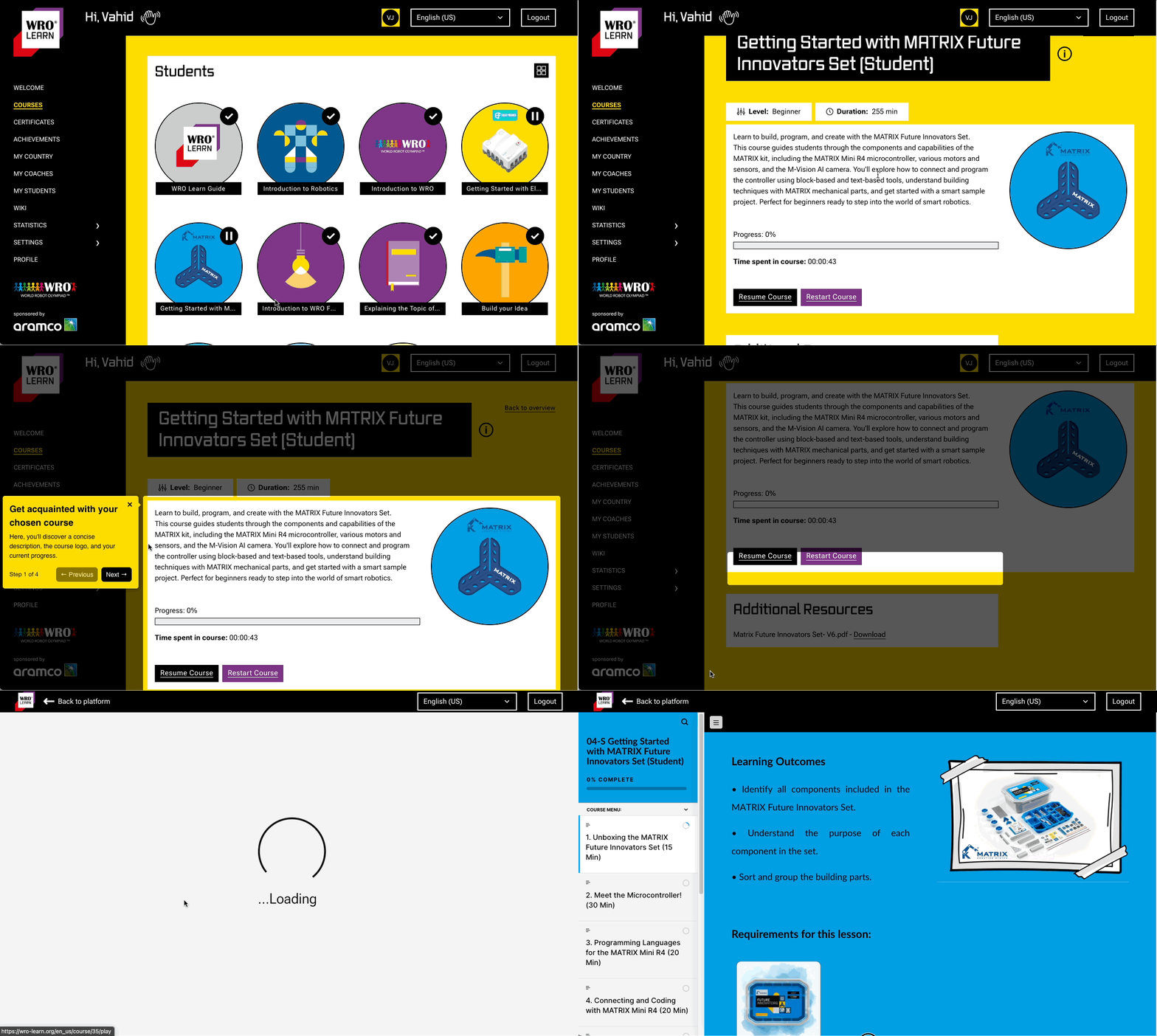
Getting started
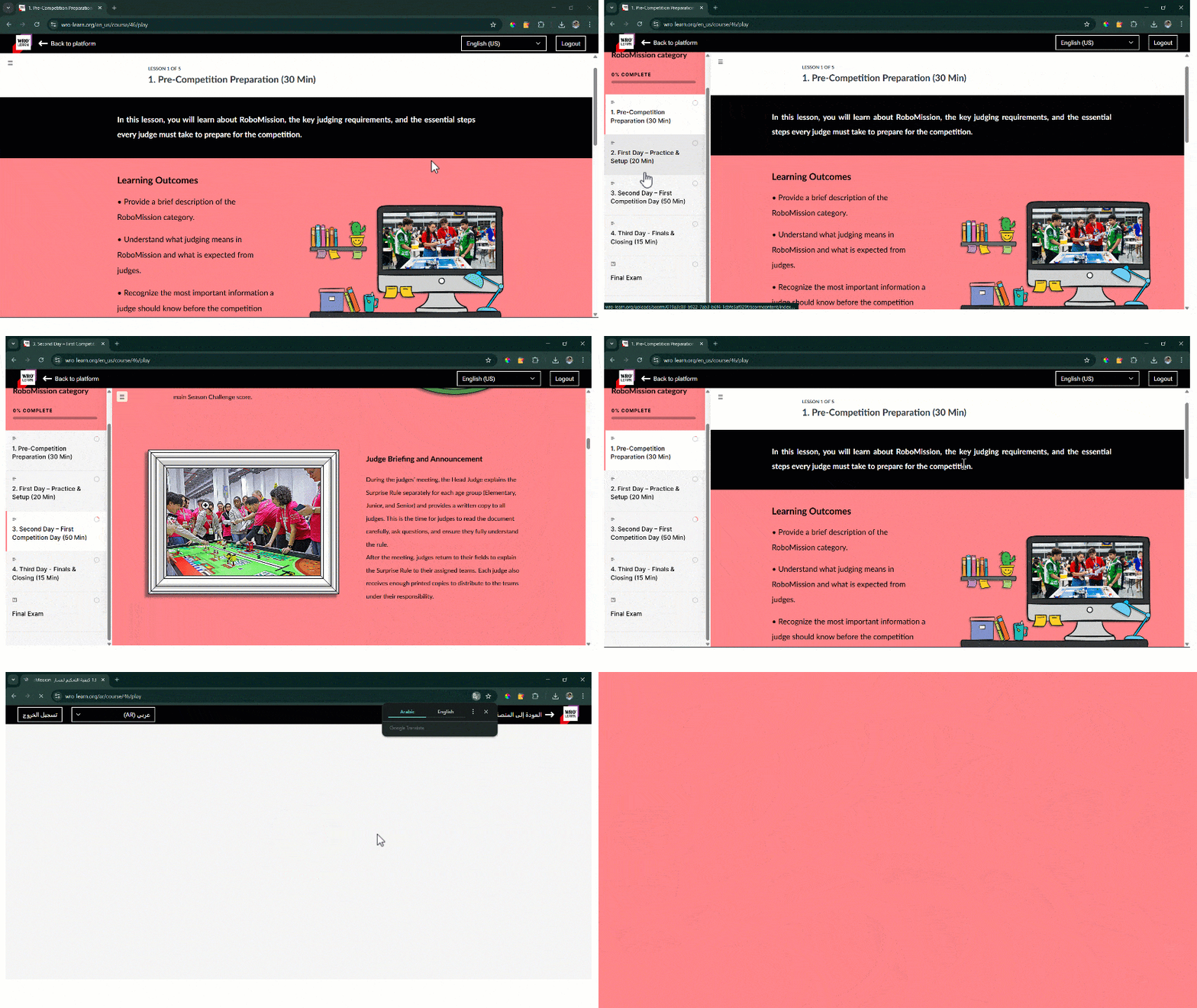
Navigating courses
2- Navigating the Courses
- You can use the hamburger menu icon (☰) to open and close the left sidebar and view the lesson list, making it easy to navigate between lessons in a course.
- In the top-right corner of the screen, use the drop-down menu to change the language of the platform and the course content.
3- Interactive Learning Activities
- Plenty of photos and videos are included to help learners understand the concepts and follow the examples.
- To support learners using different programming languages, some lessons include pseudocode alongside sample code in commonly used languages. The guides also break ideas down into clear, engaging steps.
- Interactive activities, such as sorting tasks and quizzes, help learners check their understanding before moving on to the next topic.
- The “Beyond the Basics” section covers more advanced topics for enthusiastic learners and educators who want to go further.
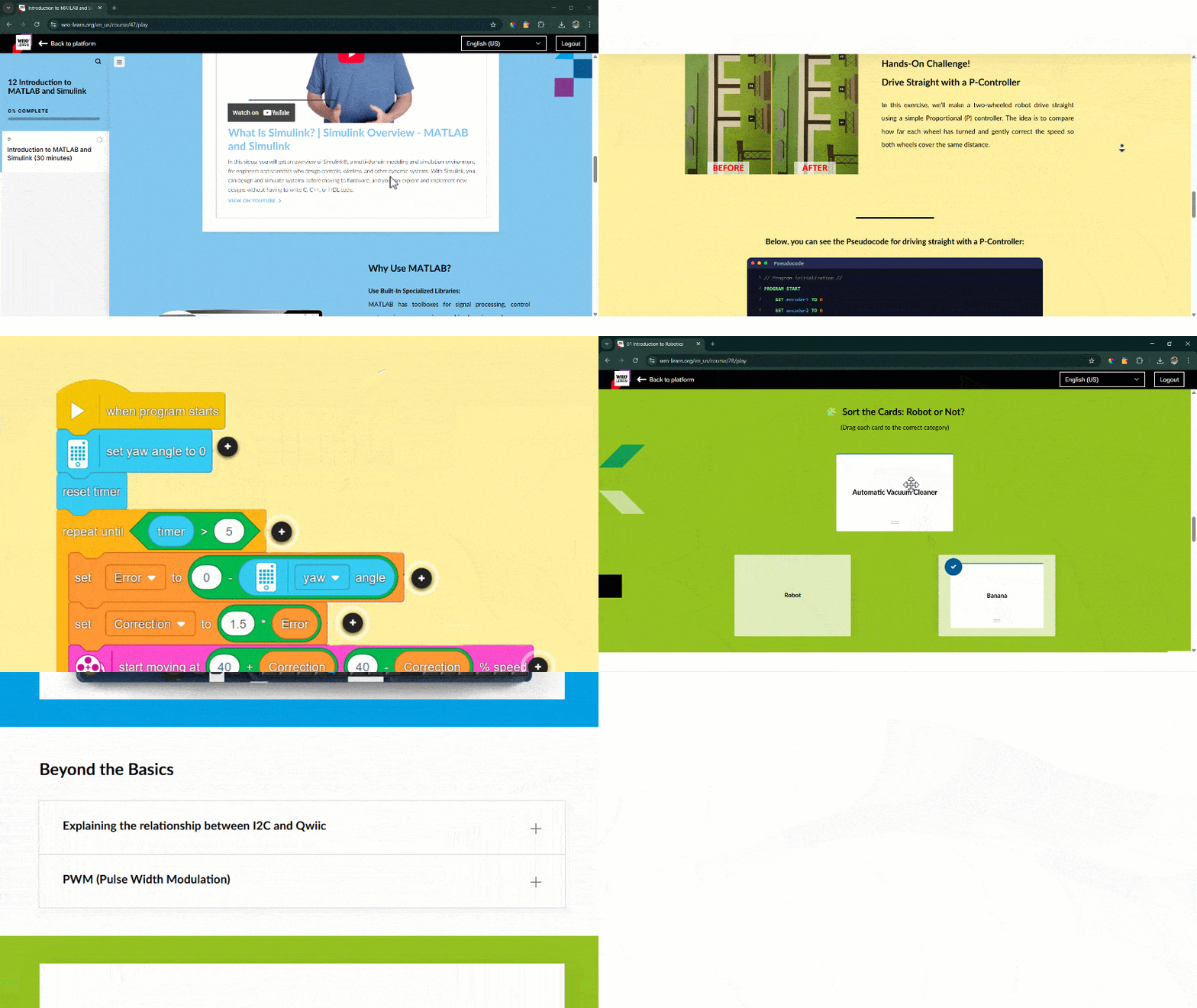
Interactive learning
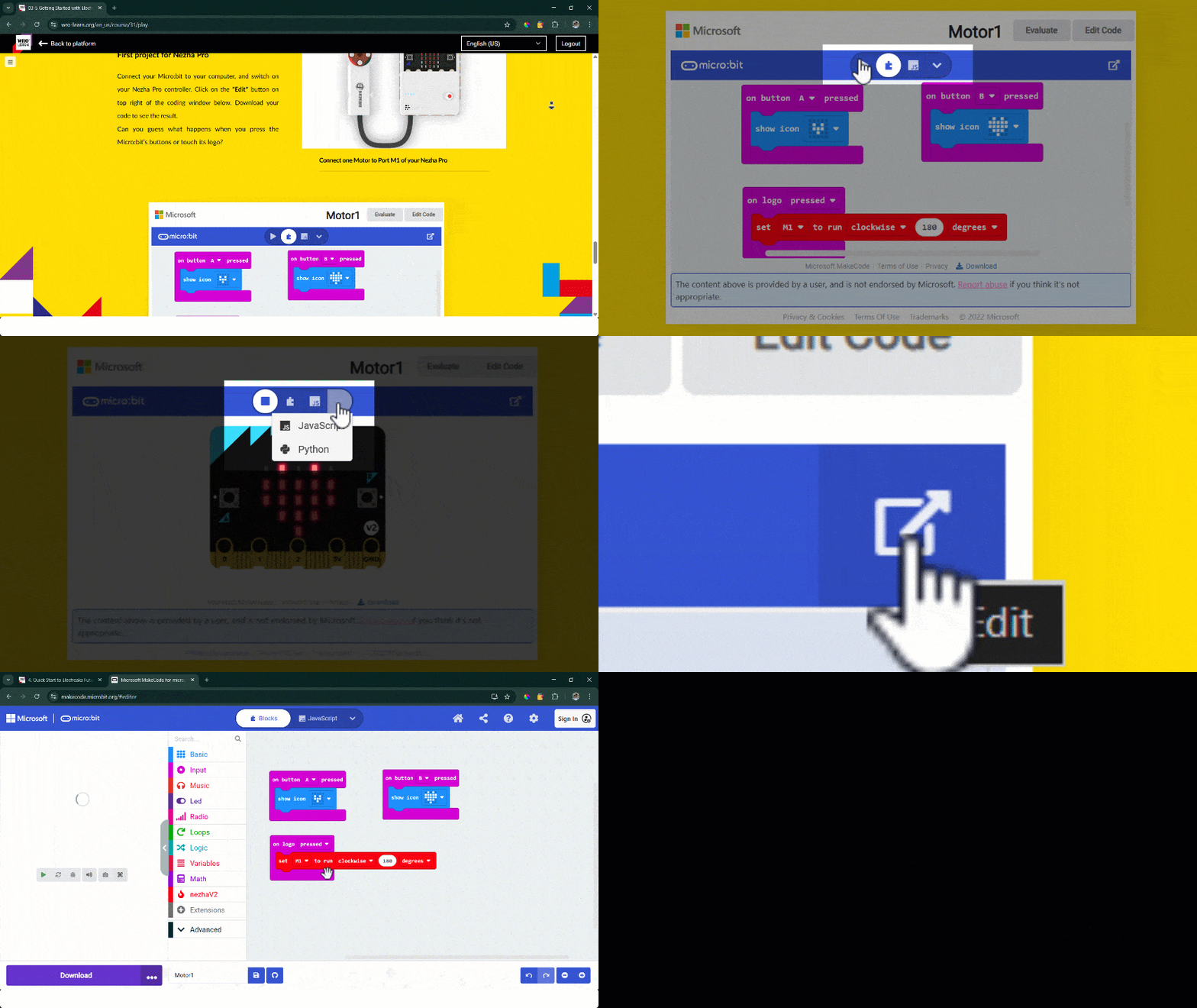
Interactive editor
4- Interactive MakeCode Editor
- Micro:bit code is shown in an embedded MakeCode window, where you can run the simulator and switch between Blocks, Python, and JavaScript.
- You can also open the project in Microsoft MakeCode to edit the code and make any changes.
5- Step-by-Step Coding Guidance
- Throughout the course, you’ll find step-by-step guidance on how to write the code, including where to find the right coding blocks.
- The example codes are broken into clear parts, with explanations to help learners understand what each section does and why it is used.
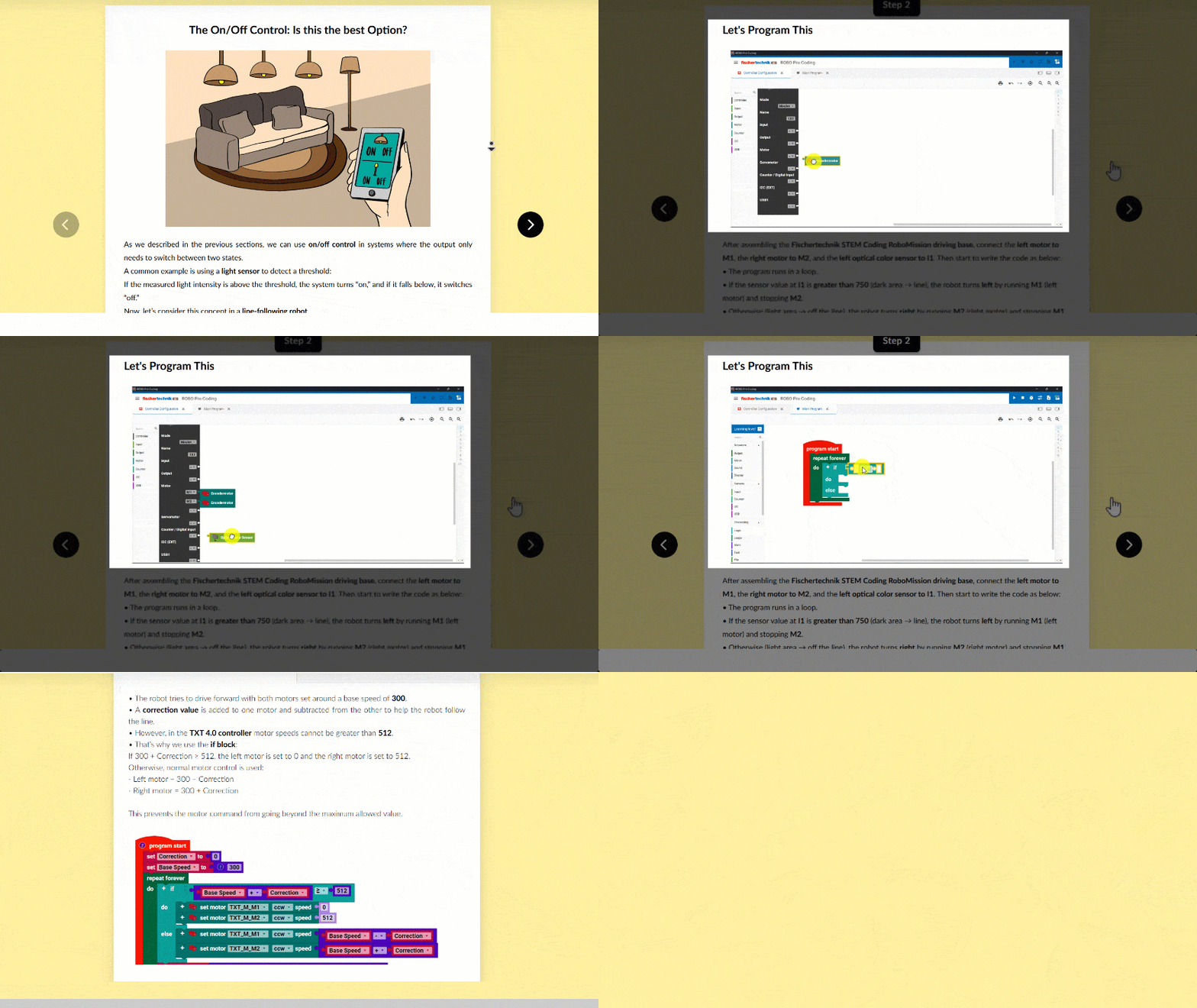
Coding guidance
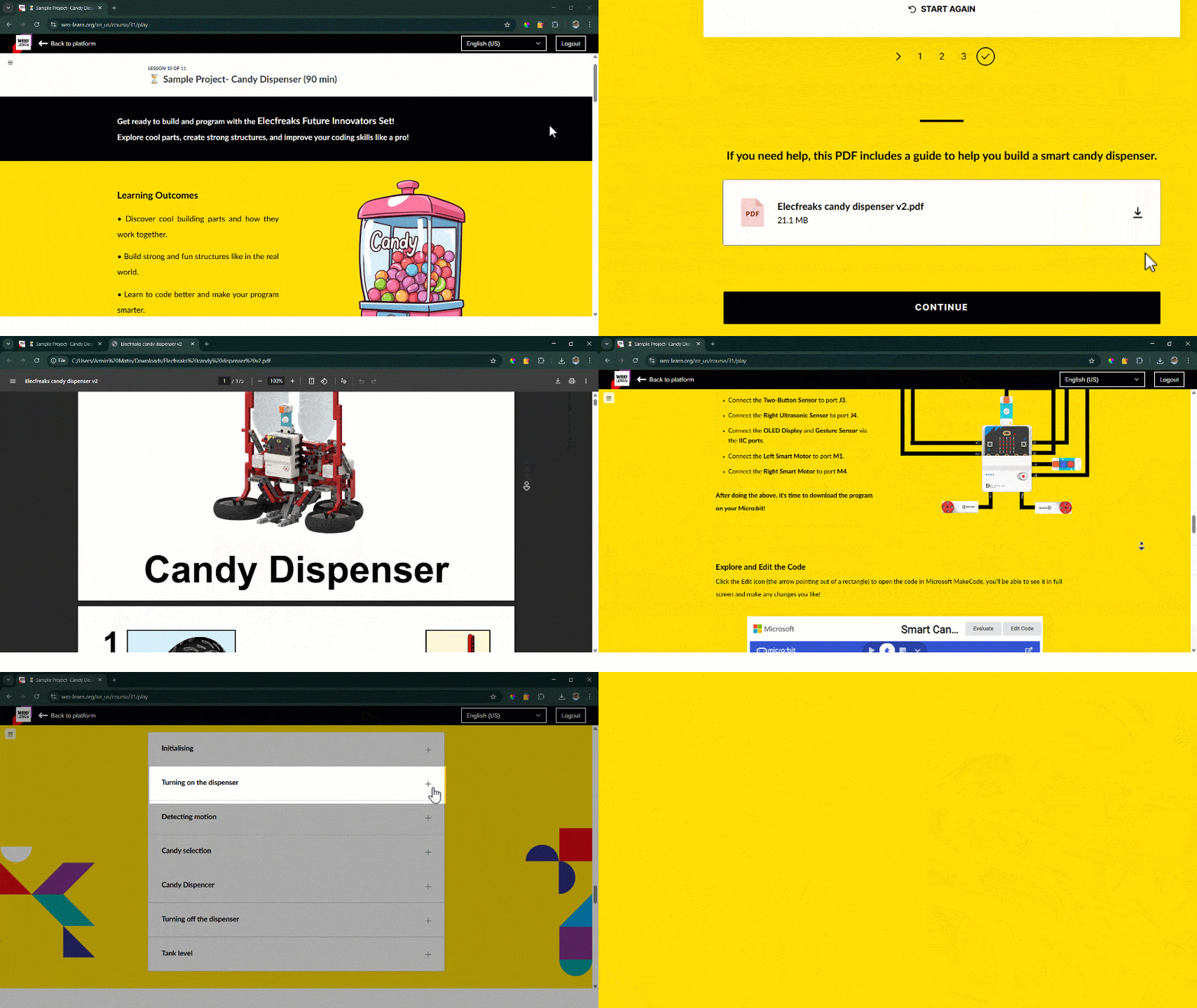
Sample projects
6- Sample Projects
- A range of sample projects is provided to help users get started with the robotics sets.
- Each project is explained in detail, with step-by-step building instructions to support the build from start to finish.
- The project code is also explained section by section, showing what each part does, supported by short videos.
7- RoboMission Skills and Competition Guide
- Our newest RoboMission course covers advanced topics designed to help teams improve their performance and achieve better results.
- The course explains the key concepts of the category and includes guidance on building driving bases using different robotics sets.
- Control concepts, including P-controllers, are taught step by step in two programming languages, with pseudocode to help learners adapt the logic to other programming environments.
- A practical competition checklist is provided at the end, along with debugging guides, to support teams during preparation and testing.
RoboMission skills
Future Development and Vision
Our vision for WRO Learn is ambitious and ongoing. We will continuously enhancing our platform through:
- Regularly updated courses and content.
- Collaboration with universities, robotics companies, and technology providers.
- Certification programs for students and teachers, validating their knowledge and skills.
- Expansion of resources like virtual robotics and simulation tools.


